Looking for TweakUAC?
Folder Guard: password protect or hide folders
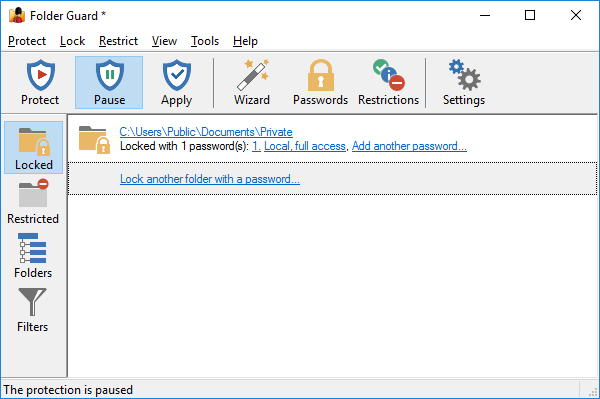
Folder Guard for Windows 10,8,7 can protect personal folders with password, hide files and folders, lock private folders with passwords, restrict access to folders and files, and more.
You can use Folder Guard to hide your personal folders from other users, but allow the anti-virus or backup software to have a full access to the protected files and folders. You can set up access and visibility restrictions, lock your files and folders with passwords, protect access to shared network folders.
- Hide folders from Explorer and other programs;
- Lock folders with passwords;
- Protect shared network folders with passwords;
- Folder Guard is for Windows 10, 8, 7.